
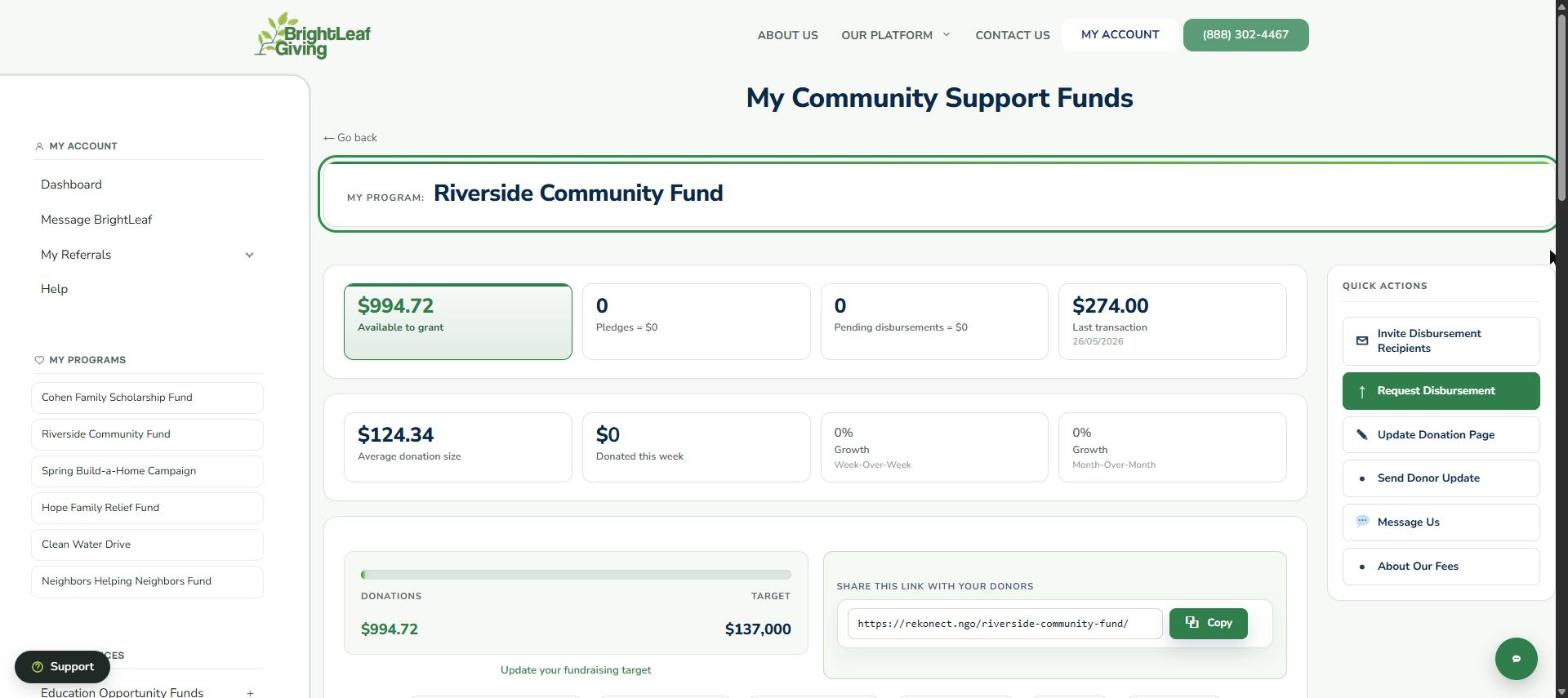
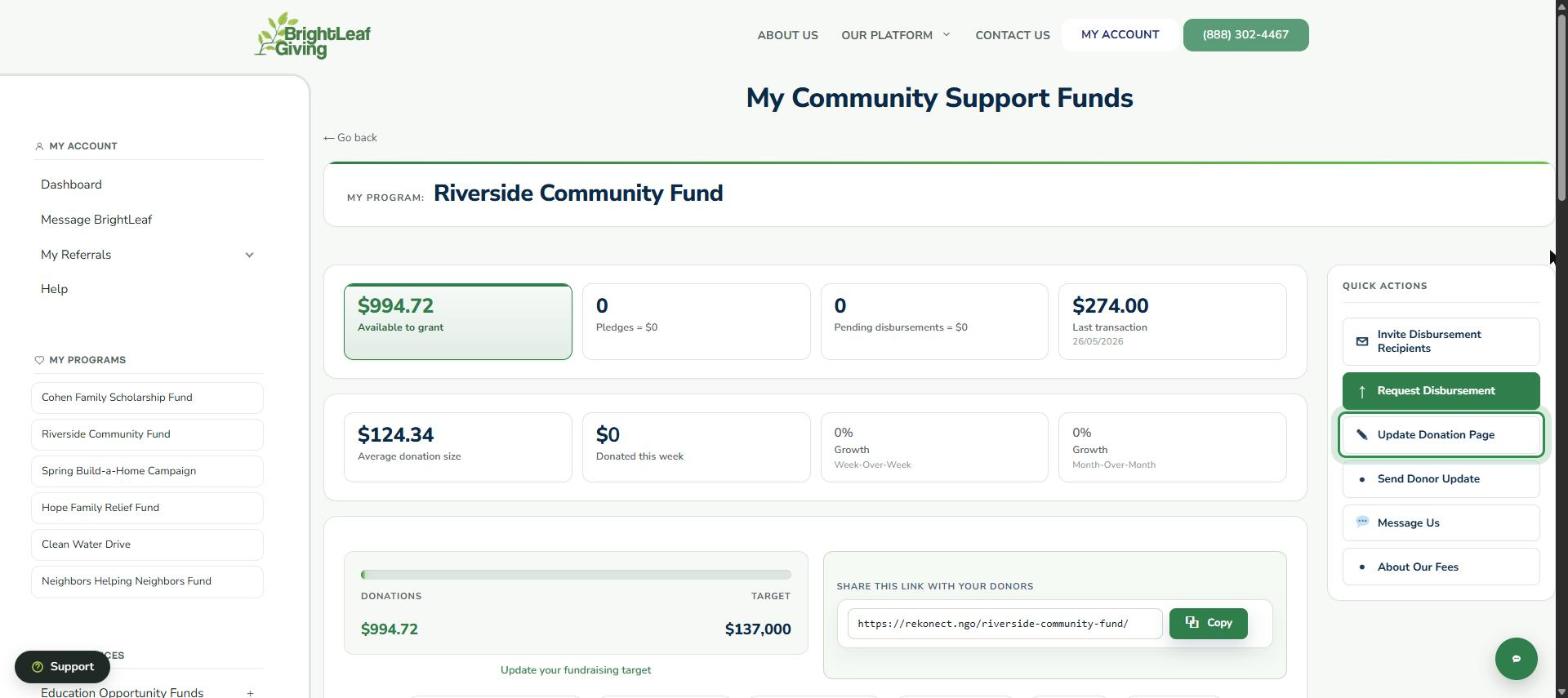
Welcome to your Community Support Fund. Before you get started, take a few minutes to watch this walkthrough of your BrightLeaf Giving dashboard. It shows what each number on your fund page means and how to do everything in Quick Actions.
What the video covers
- Your fund page at a glance: what’s available to grant, pledges, pending payouts and progress to your target
- Seeing who has donated, and following up with a monthly donor whose gift stopped
- Updating your donation page and your fundraising target
- Adding teams and fundraisers to your fund
- Requesting a Fundraising Sprint Package
Watch and confirm
The video takes about 4½ minutes. Watch it to the end, then select I’ve Watched the Video. You can rewind at any time, but you can’t skip ahead. The screens show sample data.
Please log in to your BrightLeaf account to watch the training video.
Want to compare notes with other fundraisers? Join the Grassroots Fundraising Lab, our free Facebook community for people raising money for community causes.